RPay Balance Enquiry: Check Al Rostamani Salary Card Balance
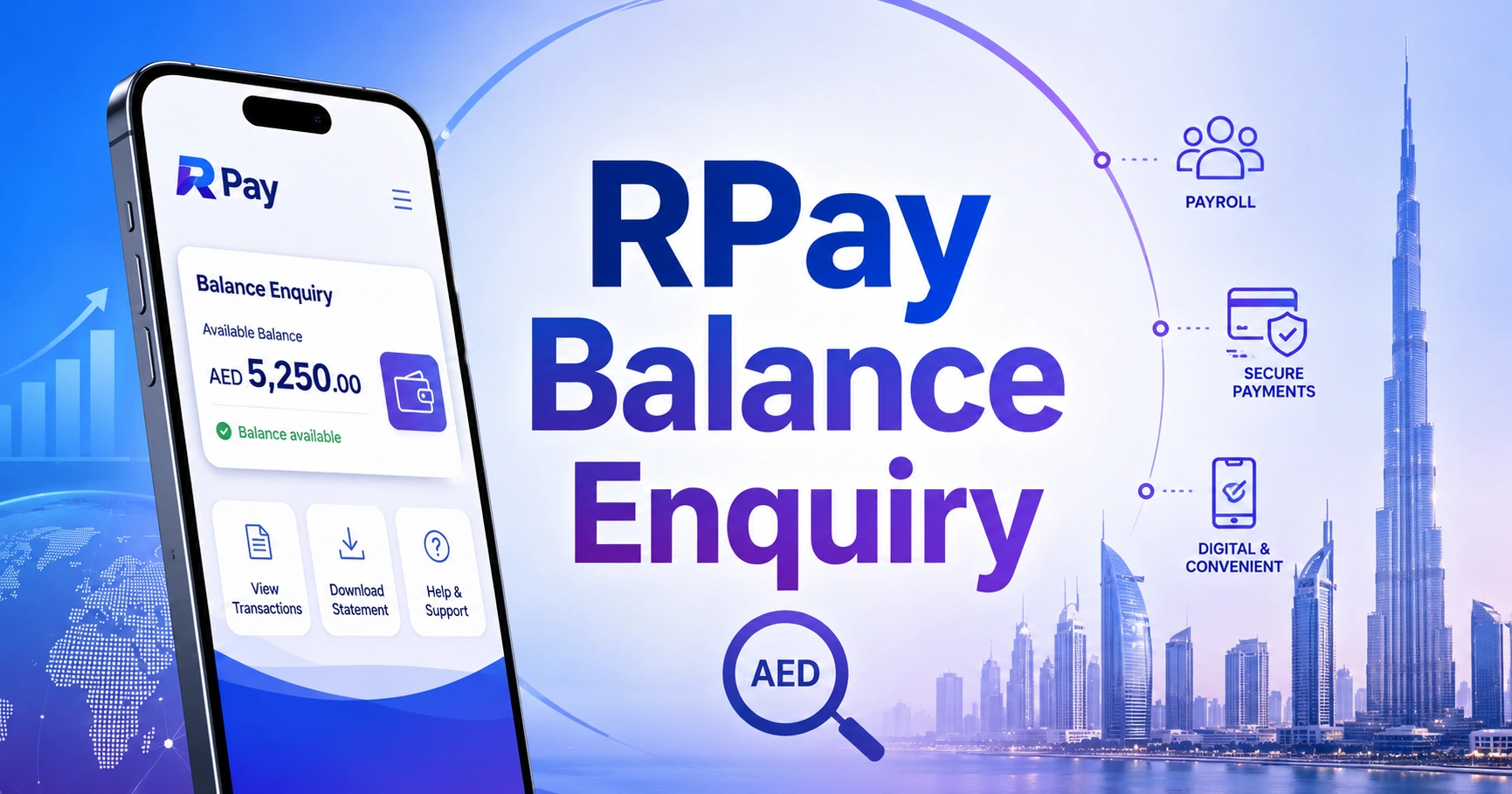
An RPay balance enquiry helps Al Rostamani payroll cardholders check available salary funds and recent card activity. The most practical methods are the Al Rostamani International Exchange mobile service, a supported ATM or official customer support.
Employers use Al Rostamani’s WPS services to process salary payments and manage payroll card records.
What Is an RPay Salary Card?
RPay is associated with payroll services provided by Al Rostamani International Exchange in the UAE.
Employees can use the salary card to:
- Receive WPS salary payments
- Withdraw available cash
- Check card balance
- Review transactions
- Pay at supported merchants
- Access card-related support
The card does not function exactly like a full current account. Features depend on the employer’s payroll arrangement and the card issued.
RPay Balance Enquiry Methods
| Method | What you need | Suitable for |
| Al Rostamani mobile app | Registered account and card | Balance and transaction history |
| Supported ATM | Card and PIN | Balance and withdrawals |
| Customer service | Card and identity verification | Access or transaction problems |
| Employer payroll department | Employee and salary details | Missing or incorrect salary |
| ARIE branch | Emirates ID and card | In-person card assistance |
How to Check RPay Balance Through the Mobile App
1. Install or open the official Al Rostamani International Exchange portal.
2. Register using the mobile number linked to your payroll card.
3. Add or select the RPay card.
4. Complete the required verification.
5. Open the balance or card section.
6. View available funds and recent transactions.
Avoid downloading an app from an advertisement or message. Confirm the app name and developer through the official Al Rostamani service.
How to Check RPay Balance at an ATM
1. Insert the RPay salary card into a supported ATM.
2. Select a language.
3. Enter the card PIN.
4. Choose “Balance Enquiry.”
5. View the available amount.
6. Print a receipt if required.
7. Remove the card and end the session.
ATM fees and network access can vary. Use the instructions provided with the card instead of relying on unverified lists of “free” ATMs.
How to Check Whether Salary Was Credited
Look for a transaction labelled as salary, payroll or credit.
Confirm:
- Credited amount
- Payment date
- Employer or WPS reference
- Available balance after credit
- Withdrawals or purchases made later
- Any fee or adjustment
A balance increase can come from another transfer, so transaction history provides clearer confirmation.
RPay Salary Not Showing
Ask the Employer to Confirm Payroll Status
Confirm whether the salary file was submitted, accepted and funded. “Processed by HR” does not always mean the card has been credited.
Check Employee Details
An incorrect employee ID, labour information or card record can delay the salary.
Confirm the Card Is Active
Expired, blocked or replaced cards may not work normally. Ensure the employer is using the current payroll card record.
Contact Al Rostamani Support
For card access, balance or transaction problems, contact Al Rostamani International Exchange on 600 540 004 inside the UAE or +971 4 454 3200 from outside the UAE.
Why Is My RPay Available Balance Lower?
The balance can be reduced by:
- Cash withdrawals
- Card purchases
- Pending merchant transactions
- ATM fees
- Previous salary spending
- Account adjustments
- Employer paying a lower amount
Start with the latest salary credit and calculate every later transaction.
RPay Card Declined
| Possible reason | What to do |
| Insufficient available balance | Check the current balance |
| Incorrect PIN | Stop before the card is blocked |
| Card expired | Request replacement |
| Merchant restriction | Try a supported payment channel |
| ATM network unsupported | Use the recommended ATM |
| Security block | Contact official support |
| Transaction limit | Try a lower amount |
Do not keep retrying a declined transaction because repeated attempts can trigger a security restriction.
Forgotten or Blocked RPay PIN
Contact official support or follow the card’s approved PIN reset process.
Never share:
- Existing PIN
- New PIN
- Card CVV
- One-time password
- Full card photograph
A support representative can verify identity without asking you to disclose a working PIN.
RPay Balance Enquiry Safety
- Use the official ARIE app or contact page.
- Keep your registered phone number active.
- Do not use public Wi-Fi for card access.
- Review salary credits before withdrawing cash.
- Keep ATM receipts private.
- Report an unfamiliar purchase immediately.
- Block a missing card without delay.
FAQs
How can I complete an RPay balance enquiry?
Open the official Al Rostamani International Exchange mobile service, select the registered payroll card and view the available balance. You can also use a supported ATM or contact ARIE customer service. Keep the card and registered mobile number available for verification.
Can I check my RPay salary card balance at an ATM?
Yes, if the ATM supports the card network. Insert the RPay card, enter the PIN and select balance enquiry. ATM access and fees may differ, so check the card instructions or contact Al Rostamani before relying on a particular bank’s ATM network.
How do I know if my salary reached my RPay card?
Review the card transaction history and identify a payroll or salary credit showing the amount and date. An RPay balance enquiry displays available funds, but the transaction record gives stronger confirmation that the employer’s payment reached the correct salary card.
What should I do if my RPay salary is missing?
Ask the employer to confirm that the WPS salary file was accepted and funded. Check that your employee details and active card number are correct. If payroll confirms successful payment, contact Al Rostamani support to investigate the card balance or transaction record.
What is the Al Rostamani RPay support number?
For RPay balance enquiry or payroll card assistance, contact Al Rostamani International Exchange on 600 540 004 inside the UAE. Customers outside the UAE can use +971 4 454 3200. Never disclose your PIN or OTP during a support call.